

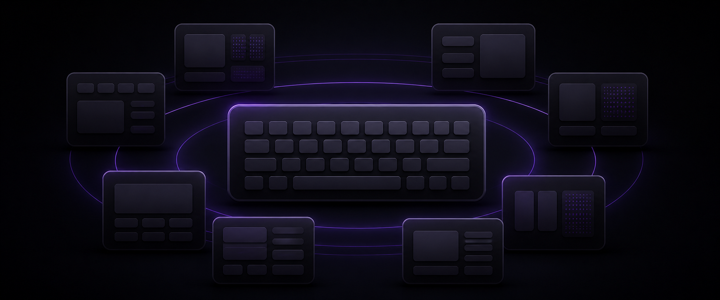
Global keyboard monitoring
Trigger Komand! from anywhere in macOS with Accessibility permission turned on.

Keyboard sequences for macOS
One sequence. The right action.
Use one hierarchical key sequence to run one configured action. No mouse detours.
Command starts listening. G shows Global shortcuts. C opens Chrome.
Early Access
€19 €25
one-time purchase
Komand! reads a local config, monitors keyboard input with Accessibility permission, shows matching next keys, and executes the action attached to the completed sequence. Groups let one prefix fan out into several branches.
Features
Trigger Komand! from anywhere in macOS with Accessibility permission turned on.
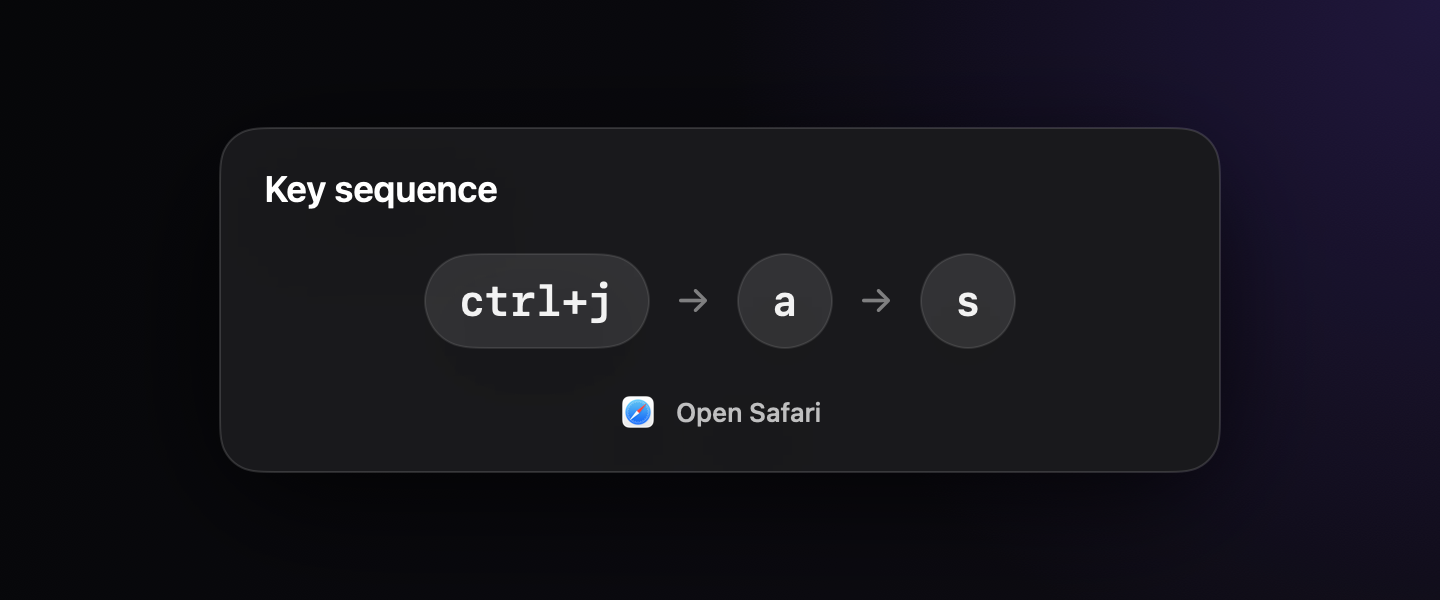
Use a short Command tap, then choose the next key.
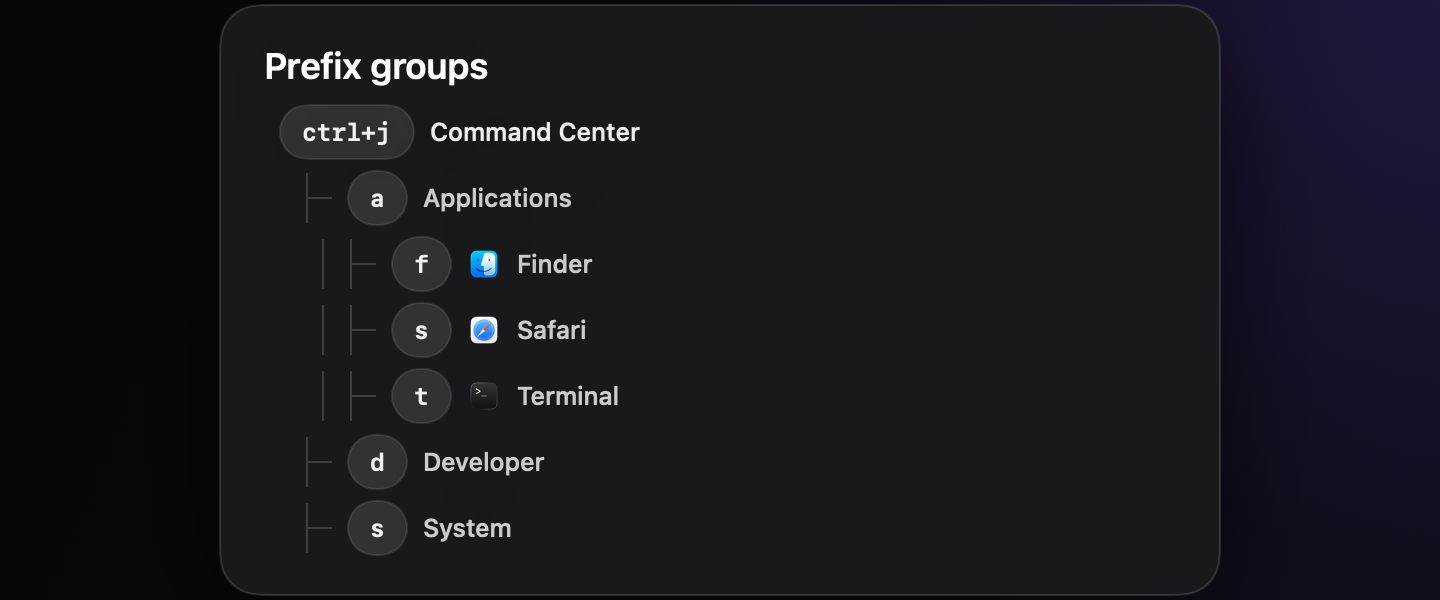
Use shared prefixes as groups, with visible next branches while you type.
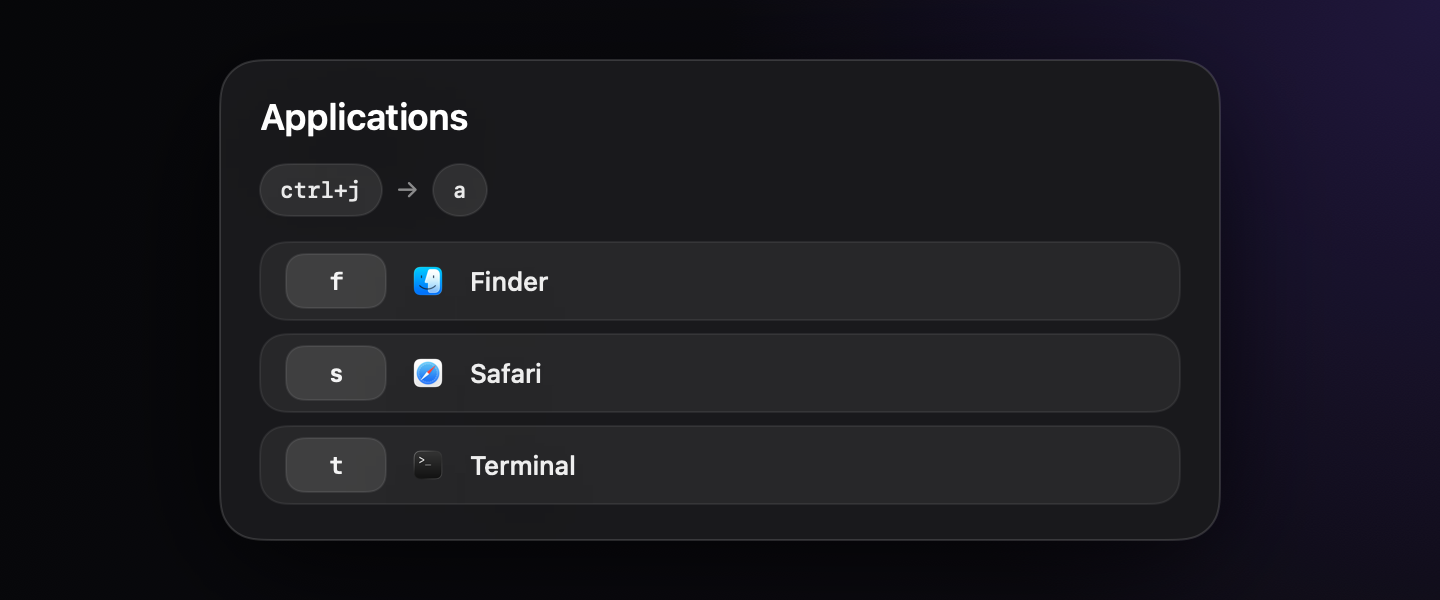
See the current sequence, next steps, and confirmation without leaving the keyboard.
Edit, duplicate, search, and reload your setup without leaving the app.
Supported actions
These map to the bundled action plugins and native command handlers.
Action 01

Applications
Launch selected apps and reactivate known app windows when available.
Action 02
Commands and shortcuts
Run shell commands in the background or a terminal, and send single keyboard shortcuts.
Action 03
Running applications
Choose from open macOS applications and bring one to the front.
Setup
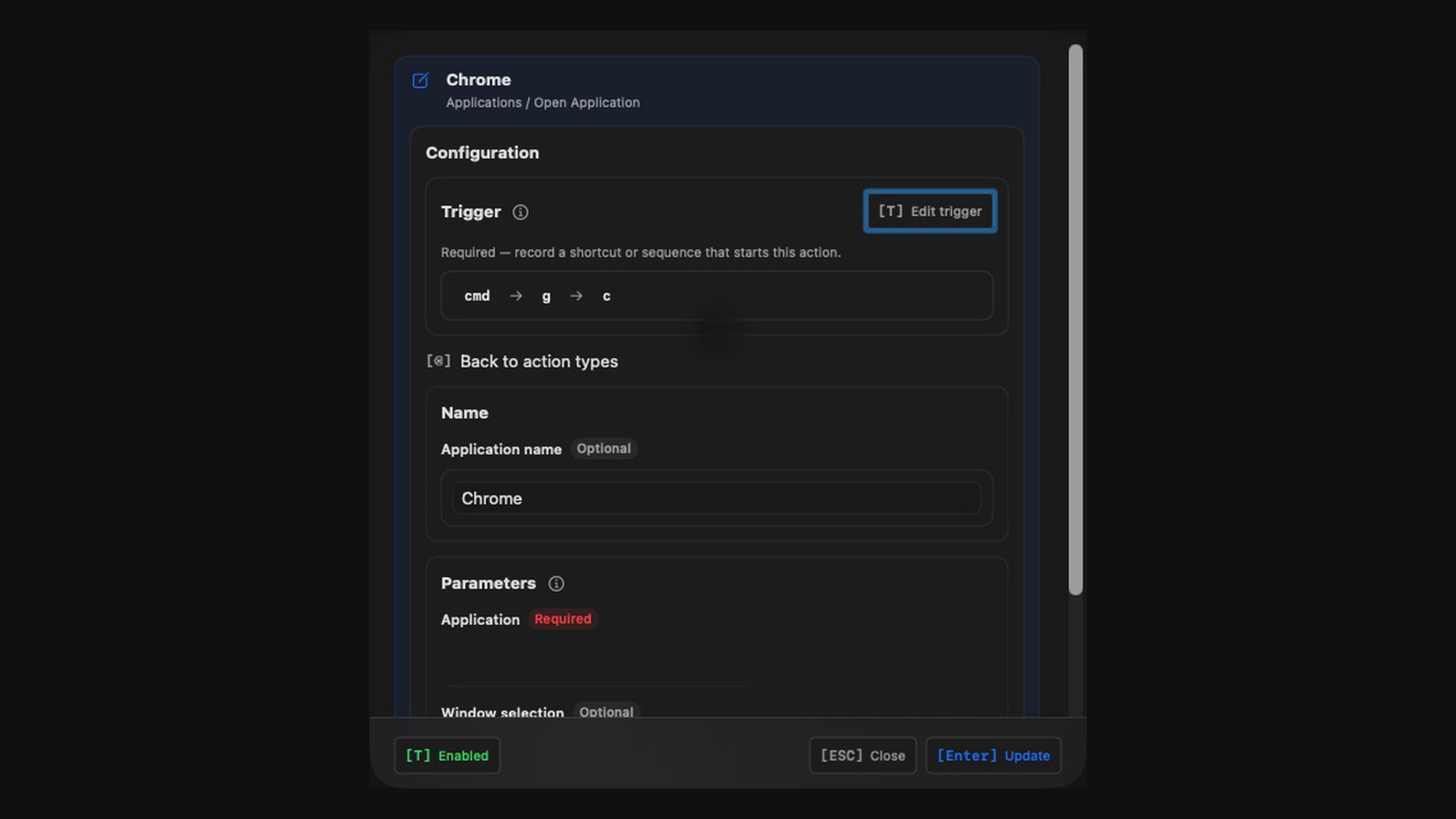
Create groups and actions, choose the action plugin, set trigger keys, and reload the local config.
Config editor
Examples
Bind a sequence to Chrome, Finder, Terminal, or any selected macOS app.
Start a local script, server, or shell task through /bin/zsh -lc.
Trigger one keyboard shortcut in the current macOS session.
Choose an application that is already running and bring it to the front.
Stable release updates